MetaRinse guide
Do screenshots remove photo metadata?
A screenshot usually creates a new file, but the metadata in that file depends on the operating system, capture method, editor, and sharing flow.
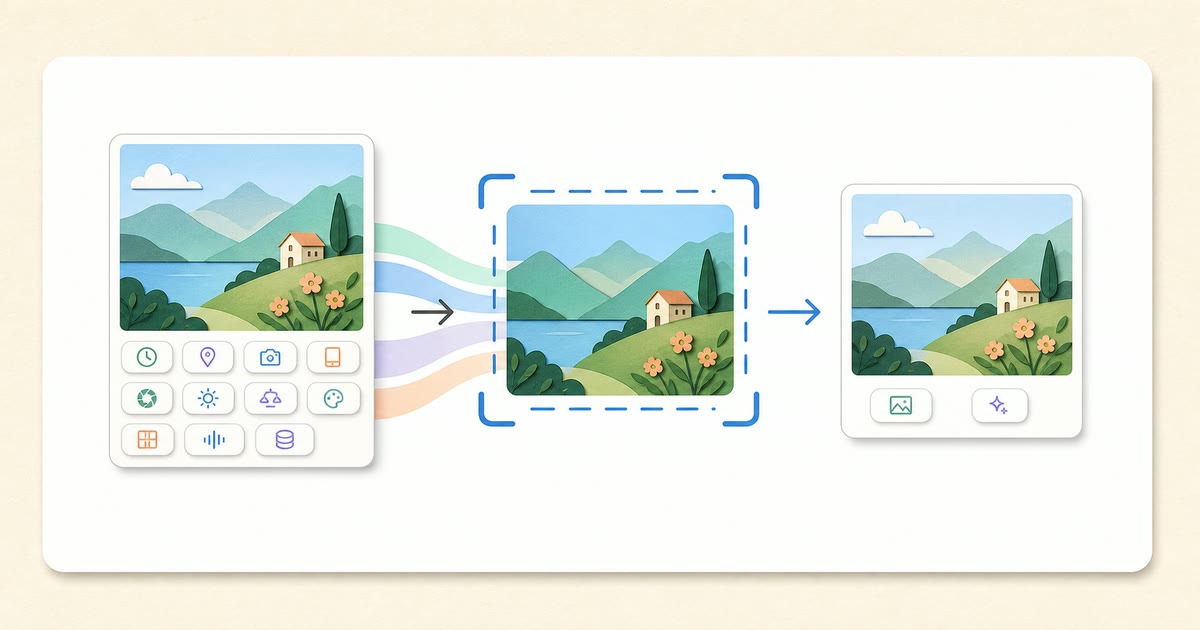
There is no universal yes
A screenshot does not normally copy every camera field from the displayed photo, but it can add creation dates, software names, color profiles, or other textual/container data. Editing or messaging the screenshot can change the result again. Inspect the file instead of trusting a rule of thumb.
A screenshot changes the image
It captures rendered screen pixels at the display scale. Cropping, scaling, color management, interface overlays, and compression can alter quality and composition. If the goal is only metadata cleaning, a direct local re-encode avoids intentionally photographing the screen output.
Reproducible test procedure
- Record the operating system, browser/app, capture shortcut, and test date.
- Use an original image with a harmless marker such as Comment: MetaRinseTest.
- Capture the screenshot through the normal workflow.
- Inspect the screenshot as a new file and record every readable category.
- Share or edit a copy, download it again, and inspect that exact result.
- Repeat after major operating-system updates.
Procedure version: 2026-07-12. This is a reproducible protocol, not a claim that every operating system produced the same result.
Example test log
| Step | Question | Record |
|---|---|---|
| Original | Which fields are readable? | GPS, camera, date, test comment |
| Screenshot | Which original fields remain? | Do not assume; inspect |
| Edited screenshot | What did the editor add? | Software/date/profile may differ |
| Shared download | What does the recipient receive? | Inspect the downloaded file |
Practical takeaway
Screenshots can reduce or replace original metadata, but they are not a reliable universal cleaner and they change the pixels. Test the actual output.
Sources
Related guides
Your image never leaves your device.