MetaRinse guide
Safe photo sharing checklist
Metadata is only one layer. Review visible details, filenames, links, permissions, rights, and local copies before sharing.
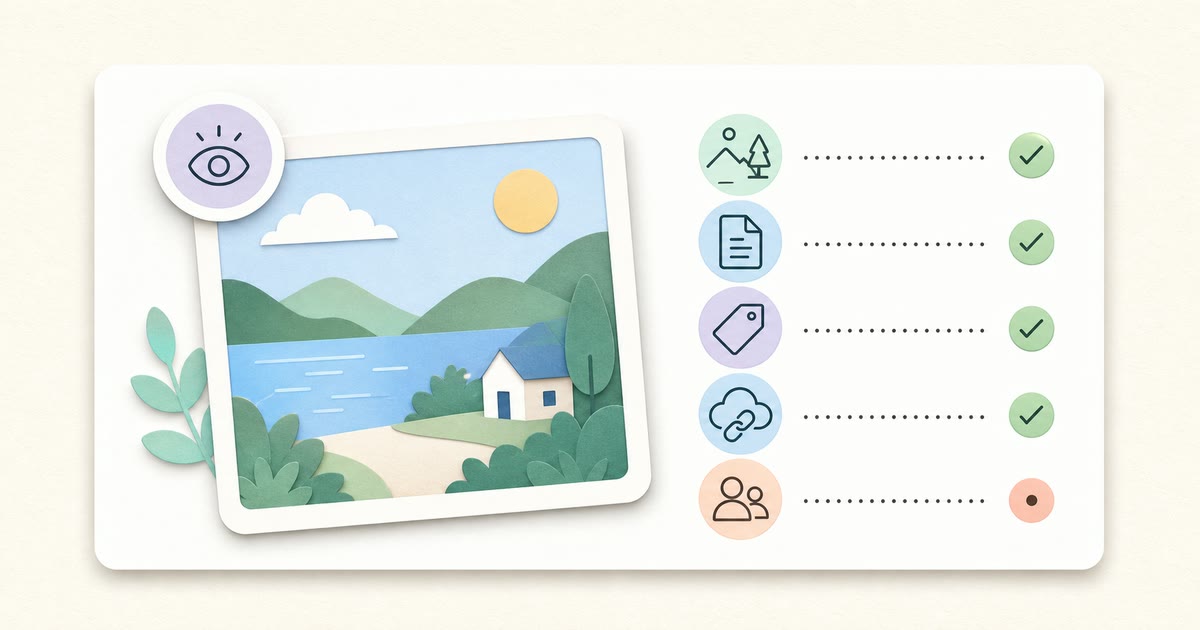
Before you share
- Confirm you own the image or have permission to edit and share it.
- Inspect faces, badges, documents, screens, addresses, reflections, and backgrounds.
- Crop or blur visible sensitive information with an appropriate editor.
- Rename a revealing filename without removing the correct extension.
- Inspect readable metadata and remove unnecessary private fields.
- Verify the downloaded cleaned file.
- Check cloud-link permissions and expiry.
- Review the destination platform privacy and audience settings.
- Keep the untouched original separately.
Metadata and pixels are different
MetaRinse works on readable metadata. It does not analyze or redact the image content. A clean metadata result can still show a school logo, shipping label, house number, face, computer screen, reflection, or location landmark.
Filename and sharing context
A filename such as home-address-july-12.jpg is outside EXIF yet can disclose context. Cloud services may display album names, account identities, collaborator lists, and timestamps. Review the entire sharing surface from the recipient’s perspective.
A practical risk review
| Layer | Example | Action |
|---|---|---|
| Pixels | Face, document, reflection | Crop or redact before cleaning |
| Metadata | GPS, camera serial, author | Inspect, clean, verify |
| Filename | Client-name-final.jpg | Rename locally |
| Cloud link | Anyone-with-link access | Restrict audience and expiry |
| Platform | Public account/location tag | Review privacy settings |
| Local copies | Original in shared folder | Separate and protect the original |
Print this page
Use your browser’s Print command to save or print this checklist. It is ordinary HTML, requires no account, and does not create or upload a gated PDF.
Sources
Related guides
Your image never leaves your device.