MetaRinse guide
How to remove GPS location from photos
Inspect the file, remove readable location fields through local re-encoding, and verify the exact output before you share it.
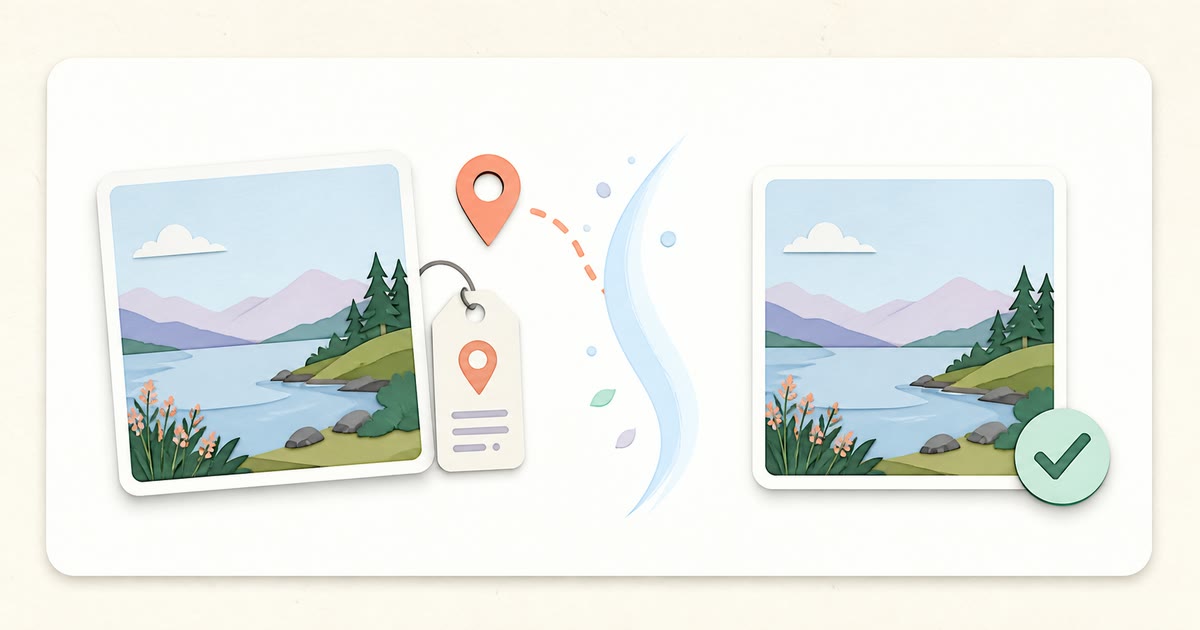
The direct answer
To remove GPS from a photo, inspect the exact file for latitude, longitude, altitude, and direction fields, create a fresh copy without carrying those fields forward, then check the downloaded copy again. MetaRinse performs those steps in your browser and does not upload the selected image.
Start with the exact file
Choose the photo you intend to send, post, or upload. A library thumbnail, cloud copy, edited export, and downloaded social-media copy can each contain different fields. MetaRinse reads only the local file you explicitly select.
Before-and-after GPS example
| Field | Original | Cleaned output |
|---|---|---|
| GPSLatitude | 37.5665 | Not detected |
| GPSLongitude | 126.9780 | Not detected |
| GPSAltitude | 38 m | Not detected |
| GPSImgDirection | 214.2° | Not detected |
This table uses the generated MetaRinse JPEG fixture, not a stock example. Coordinates are shown only inside expanded details. If a device serial is present, MetaRinse masks it by default.
Recorded check of the cleaned download
In the automated browser flow, the original fixture produces 7 location entries and 14 private or descriptive entries in total. The downloaded JPEG is parsed again: GPSLatitude, GPSLongitude, camera Make, and the other supported private or descriptive fields must all be absent. The test also requires a 32 × 24 decoded result and checks that the visible image remains within the configured lossy-pixel tolerance.
Last evidence review: 2026-07-26.
The test fails closed: if a supported private or descriptive field remains, MetaRinse does not offer that output as verified.
Clean locally
- Open the cleaner and choose a JPEG, PNG, or supported WebP file.
- Expand the Location category and confirm what the scanner can read.
- Select an appropriate JPEG/WebP quality. PNG has no exposed quality slider.
- Choose Clean image. The browser decodes the pixels and creates a new file.
- Wait for the verification status before downloading.
Verify before sharing
MetaRinse parses the new blob before it offers a download. You should also open the downloaded file in your operating system and check its information panel. If the context is sensitive, use a second trusted metadata inspector that can operate locally. Keep the untouched original in a separate location.
Mobile and cloud cautions
- A phone photo library may keep the original location even when you export a cleaned copy.
- A cloud album, map view, or earlier message can retain separate location records.
- A visible street sign, house number, reflection, or landmark is part of the pixels and is not removed.
- A sharing platform may add new metadata or retain account-level records after upload.
Practical takeaway
Remove metadata before sharing, then inspect the actual downloaded output. Do not rely on a platform to make the decision for you.
Sources
Related guides
Your image never leaves your device.